Best Practices for Access Control Administration
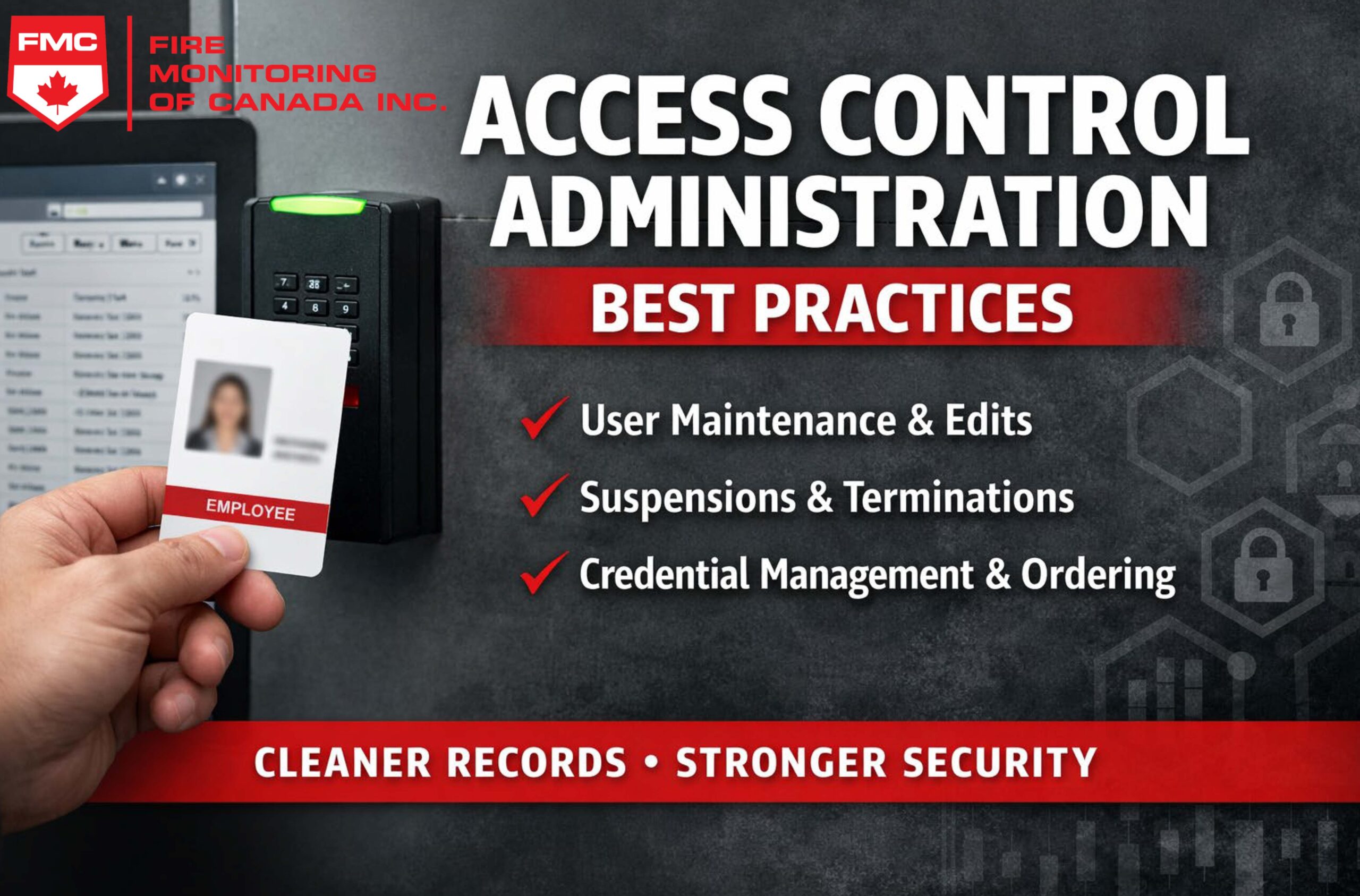
Access Control Administration Best Practices
Modern access control systems are more than doors and cards—they’re a critical part of your organization’s security posture and operational efficiency. Whether you manage a single site or multiple locations, consistent user maintenance reduces risk, improves auditability, and prevents “access drift” over time. We’ve created a set of access control administration best practices to assist you with the overall management and maintenance of your system.
This guide covers practical best practices for access control administrators—specifically around user adds, edits, discontinuances (temporary disables), deletions/terminations, and how to order new physical credentials without headaches.
Why User Maintenance Matters
When access control databases are not maintained, common problems show up quickly:
- Former employees or contractors still have active access
- Duplicate user records or multiple active credentials per person
- Over-permissioned access levels (“all access” as a shortcut)
- Audit trails that don’t match real-world staffing or roles
Strong administration practices help ensure the system stays clean, secure, and easy to manage—even as your organization changes.
Core Principles for Access Control Administration
- Least privilege: grant only the access required for the role.
- Timeliness: access should match current employment status and responsibilities.
- Standardization: use consistent access levels and workflows instead of “one-offs.”
- Auditability: changes should be documented and traceable.
User Lifecycle Best Practices
1) Card / Credential Adds (New Users)
New credential issuance should be a controlled process. Treat access provisioning like granting a key—not a convenience.
Recommended process
- Require a formal access request (ticket, form, HR workflow, or supervisor approval).
- Verify the user’s identity before issuing a credential.
- Assign access using role-based templates (e.g., “Office Staff,” “Warehouse,” “IT”).
- Set an expiration date for contractors, visitors, and temporary staff.
Data to capture for every new user
- Full name (and unique identifier like employee ID where possible)
- Department and job role
- Supervisor/approver
- Credential number (card/fob serial)
- Start date and (if applicable) end date
Tip: Avoid custom, one-off permissions whenever possible. Standard access levels keep your system cleaner and reduce mistakes over time.
2) Edits & Access Changes (Moves / Changes in Role)
Access should evolve as roles change. Without a process, users accumulate permissions over time—often called “access creep.”
Common reasons to update access
- Promotion or departmental transfer
- Shift/schedule changes
- Temporary project assignments
- Change in security clearance
Best practices
- Require supervisor or HR authorization for changes.
- Prefer replacing access profiles instead of stacking additional permissions.
- Document the reason for the change (ticket notes or change log).
- Set reminders to remove temporary access after a defined period.
3) Discontinuances (Temporary Disables / Leaves)
Discontinuing access is often the safest middle-ground for users who may return—without losing audit history.
When to discontinue rather than delete
- Employee on leave
- Suspension pending investigation
- Seasonal staff between work periods
- Contractors between projects
Best practices
- Disable the credential immediately.
- Do not delete the user record—retain it for audit history.
- Set a follow-up date for reactivation or longer-term cleanup.
Reminder: Disabling a credential should be immediate for suspensions or investigations—do not wait for “end of day.”
4) Deletions & Terminations (Offboarding)
Offboarding is one of the most important access control workflows. If it’s slow or inconsistent, the system becomes a liability.
Termination best practices
- Deactivate access immediately upon termination notice (coordinate closely with HR).
- Collect physical credentials where possible.
- Issue replacement credentials (new card number) if cards are returned late or missing.
- Retain user history for audits—disable/archive is often better than permanent deletion.
Important: Many systems associate events and audit history with the user record. Deleting users can remove valuable history.
Where possible, use “disabled” or “archived” states to preserve the audit trail.
Operational Cadence: What to Review and When
Daily
- Process new access requests
- Disable terminated or suspended users
- Respond to lost/stolen credential reports
Weekly
- Review recent changes for accuracy
- Check for duplicate users or duplicate active credentials
- Confirm temporary credentials nearing expiration
Monthly
- Run inactive user reports
- Review contractor and visitor lists
- Audit sensitive or high-security area access
Quarterly
- Department access review with managers
- Remove outdated access levels and one-off permissions
- Verify schedules, holidays, and time zones are correct
Credential Lifecycle Management
Lost or Stolen Credentials
- Deactivate the credential immediately.
- Issue a replacement with a new credential number (don’t “reactivate” an old lost card).
- Document the incident (ticket or log entry).
- Consider a replacement fee policy to reduce repeat losses (if appropriate for your organization).
Multiple Credentials per User
Allowing multiple active credentials can create confusion and security gaps.
- Limit users to one active credential unless there is a documented operational need.
- When issuing a new credential, deactivate the old one immediately.
- Use naming conventions to avoid duplicates (e.g., “LASTNAME, Firstname – EmployeeID”).
How to Order New Physical Credentials (Cards / Fobs)
Ordering physical credentials can go smoothly—or become a costly mess—depending on your process. The goal is to ensure
compatibility, predictable inventory levels, and accurate issuance records.
1) Standardize Credential Types
- Use one primary credential type whenever possible.
- Avoid mixing multiple formats unless required by readers, security policy, or legacy constraints.
2) Maintain Secure Inventory
- Store unissued credentials in a locked cabinet or controlled-access area.
- Track inventory with a simple log (batch received, card number range, date, issuer).
- Assign accountability to a specific administrator or department.
3) Use a Reorder Threshold
Don’t wait until you’re out. Set a reorder threshold (for example, when you have 20–25% of inventory remaining)
and order in consistent batch sizes.
4) Confirm Compatibility Before Ordering
- Confirm credential technology (e.g., proximity, smart card, mobile credential, etc.).
- Confirm facility/site codes and encoding requirements (if applicable).
- Order through authorized channels (integrator or approved supplier) to reduce errors.
5) Record Credential Ranges on Receipt
- Log the card number ranges as soon as shipments arrive.
- Validate counts and inspect for damage.
- Store securely until issued.
Tip: Standard batches + recorded number ranges make future investigations and audits far easier—especially after lost card incidents.
Documentation and Policy Essentials
Even simple written procedures reduce mistakes and speed up administration.
Recommended documents
- Access Control Policy: who approves access, role-based access levels, visitor rules, credential replacement rules.
- Offboarding Workflow: HR notification process, immediate disable step, asset return checklist.
- Audit Schedule: monthly inactive reports, quarterly manager reviews, annual full access review.
Common Mistakes to Avoid
- Leaving terminated users active “until the card is returned”
- Granting broad access as a shortcut
- Not setting expirations for contractors and visitors
- Deleting users and losing audit trail history
- Failing to track credential inventory and ranges
Conclusion
Access control is only as strong as the administrative processes behind it. With consistent workflows for user adds, edits, discontinuances, and terminations—and a disciplined approach to ordering and tracking physical credentials—you reduce risk and keep your access control system audit-ready. Please use these access control administration best practices to help you achieve your goal, of getting the best possible returns for your access control investment.
Need help improving your access control processes?
We can help you create standardized access levels, develop offboarding workflows, and implement a clean, repeatable credential management process across one site or many.