To Choose the Right Security System: You Need to Know How You Intend to Use It
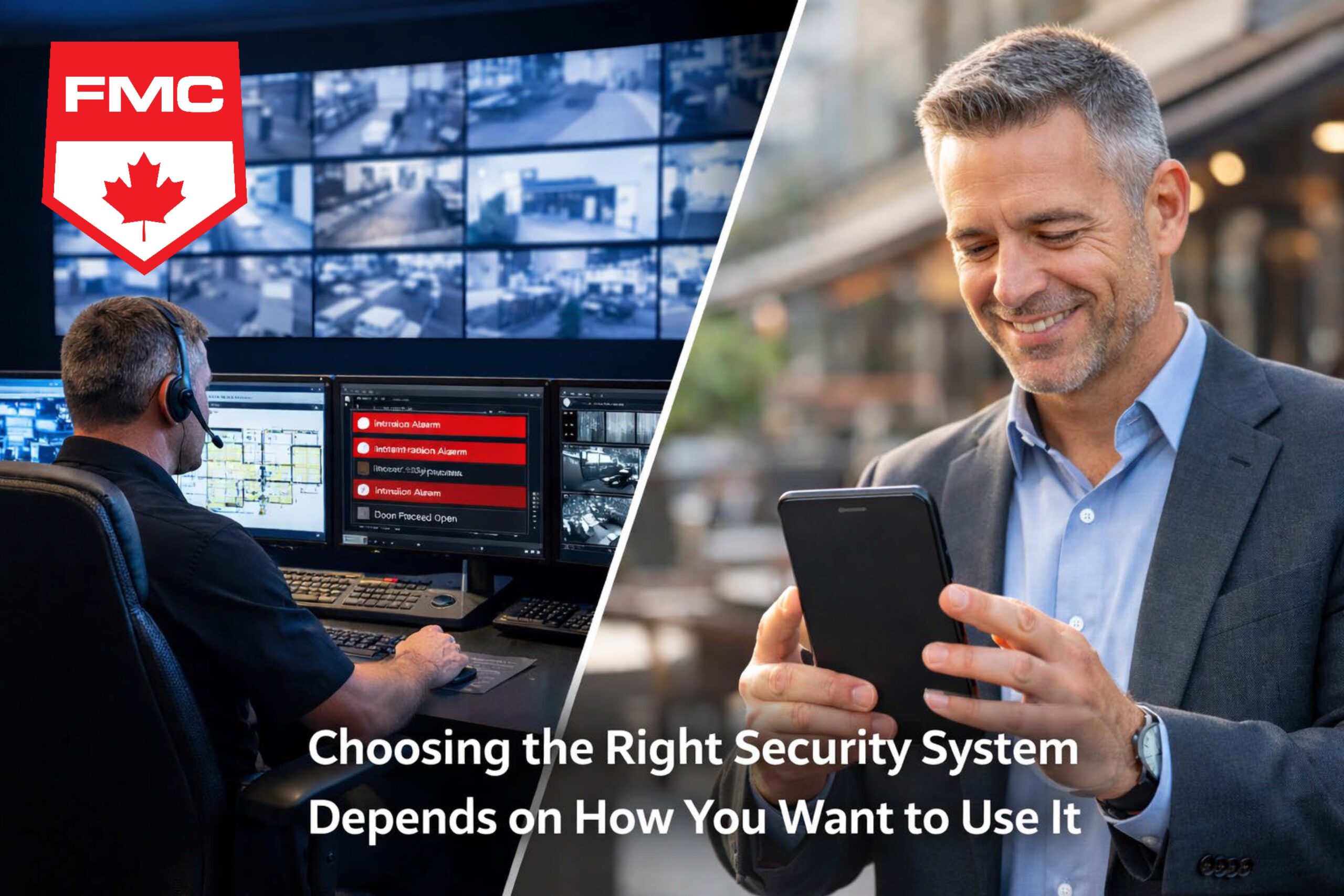
How to Choose the Right Security System Starts with How You Want to Use It
When organizations shop for a security system, especially wanting to choose the right security system, it’s easy to start with hardware, features, and price.
But the most important decision happens earlier:
how do you want to interact with your security system every day?
Your answer determines what platform you should choose, how (or if) you should integrate other systems,
how many operators you need, and how life-safety signals—especially ULC fire monitoring—should be handled.
Start With the User Experience, Not the Hardware
Before comparing brands or panels, define your day-to-day workflow. Ask:
- Do you want operators to manage everything from a single graphical user interface (GUI)?
- Will different departments use separate systems (security, facilities, reception, IT)?
- Do you need alerts centralized in one place, or distributed to multiple teams?
- How many people will interact with the system daily—and how often?
These decisions shape the architecture of your solution. When you get the workflow right first, the technology
choices become clearer and the system performs better under real-world pressure.
What Else Needs to Work With Your Security System?
Most sites have more than one system involved in safety, security, and facility operations. The question is
whether you want them to operate independently or together.
Common systems that may need to connect
- Intrusion alarm
- Access control
- Video surveillance (CCTV / VMS)
- Gates and perimeter control
- ULC fire alarm and fire monitoring
- Building automation (HVAC, lighting, elevators, intercom, etc.)
Integration can unlock powerful outcomes—like event-driven actions, faster investigations, and fewer screens to watch.
But it also introduces complexity. The right answer depends on how you want to operate.
Do You Want One GUI or Multiple Platforms?
The GUI is where your operators spend their time. It has a direct impact on:
- Response time during alarms and incidents
- How quickly staff can verify events using video
- Training requirements and onboarding time
- How many mistakes happen under stress
Questions to clarify your preferred experience
- Should alarms trigger automatic video pop-ups?
- Should operators be able to unlock doors or change access states from the same interface?
- Do you need mobile access for supervisors or after-hours response?
- Do you want system actions to be event-driven (e.g., “door forced” triggers camera preset and alert)?
If you want a unified operator experience, you’ll likely prioritize platforms built to consolidate systems into one interface.
If you’re comfortable using separate software tools, you may favor best-of-breed components even if they remain distinct.
Operator Levels and Permissions: Who Can Do What?
Your staffing model should directly influence your system choice. A system that’s perfect for a single operator
may be a poor fit for a multi-site team with different roles, shifts, and responsibilities.
Define your operator structure
- How many operators will use the system?
- How many sites or buildings will they oversee?
- Do you need separate roles for reception, security, supervisors, and administrators?
- Do you require detailed audit trails for actions and overrides?
Example operator levels
| Operator Level | Typical Permissions |
|---|---|
| Reception / Admin | Acknowledge alarms, view status, unlock doors (limited) |
| Security Operator | Investigate events, control cameras, respond to alerts |
| Supervisor | Override schedules, run reports, manage incident workflows |
| System Administrator | Add users, change logic, manage integrations, configure permissions |
The right system makes role-based access easy to configure, easy to audit, and hard to misuse.
If permissions are clunky, your team will either avoid using the system—or rely on unsafe workarounds.
Native All-in-One vs. Separate Systems With Integration
Option 1: Native / All-in-One Ecosystem
In a native ecosystem, intrusion, access control, and sometimes video are designed to work together
from the same manufacturer or platform.
- Pros: One GUI, simpler training, fewer integration points, often more stable.
- Trade-offs: Less flexibility to choose best-of-breed components; upgrades may require platform commitment.
Option 2: Separate Systems Integrated Through Software (APIs / Middleware)
In this model, each system is independent (best-of-breed), and integrations connect them for shared workflows.
- Pros: Flexibility, easier component-by-component upgrades, tailored system selection.
- Trade-offs: More complexity, potential compatibility issues, and sometimes multiple GUIs.
The best approach depends on your operational goals. If your top priority is a unified operator experience, native or strongly integrated platforms may win.
If your top priority is flexibility and component choice, independent systems with integration may be the better fit.
Monitoring Strategy: How Will Alarms Be Handled?
Monitoring is not just a back-end detail—it defines response outcomes. Consider:
- Will alarms be monitored by a listed central station?
- Do you need signals delivered to emergency response or internal teams in a specific way?
- Do you want a hybrid approach (central station + internal security team visibility)?
The monitoring strategy influences what equipment you use, what communications paths are required, and what compliance rules apply.
This is especially important when ULC fire monitoring is involved.
ULC Fire Monitoring: Same Panel or Separate System?
When a facility requires ULC-listed fire monitoring, you need to evaluate fire and security differently.
Fire alarm and monitoring requirements are code- and listing-driven, and they must maintain life-safety integrity.
Key questions to ask
- Does your proposed platform support a ULC-listed fire configuration?
- If fire events appear in a software GUI, is that interface ULC-listed for fire (where applicable)?
- Do you need a dedicated ULC-listed fire panel to meet compliance, even if you integrate for visibility?
- Are you investing in the operator experience while keeping life-safety components properly listed and separated?
In many cases, the most reliable approach is:
a dedicated, ULC-listed fire panel for life-safety signals, paired with a software interface (where permitted)
that provides operators a unified view for awareness and response coordination.
This preserves compliance and signal integrity, while still enabling a modern workflow for operators.
It can also reduce risk by ensuring life-safety functions are not dependent on non-listed software layers.
A Simple Decision Checklist
Before selecting any security system, make sure your team can answer these clearly:
- How do we want operators to interact with the system day-to-day?
- Do we want one GUI or multiple platforms?
- How many operators will we have, and what role levels are required?
- What other systems must be integrated (access, video, gates, BAS, etc.)?
- How will alarms be monitored, escalated, and audited?
- Do we require ULC fire monitoring—and if so, how should fire be handled?
- Should fire and security share a panel, remain separate, or integrate at the software level?
Conclusion: The Best System Fits Your Operations
There’s no universal “best” security system, but rather you should choose the right security system. The right system is the one that matches your operations:
your staffing model, your response workflow, your integration goals, and your compliance requirements.
When you begin by deciding how you want to interact with the system, you avoid expensive rework later
and end up with a platform that actually supports the people using it every day.
If you’d like help translating these requirements into a short “systems architecture” plan (what integrates, what stays separate, and why),
you can use this blog as the starting point for a clean, defensible design decision.